
Social content moderation for every organization
Choose your control level: AI-powered, manual, or auto-publish. Whether you need instant publishing, hands-on control, or intelligent automation, Flockler's moderation tools adapt to your workflow and trust level.






Why content moderation matters
Protect brand reputation
Nearly 6 billion posts are removed from major social channels annually for harassment, bullying, or graphic content. Moderation ensures your brand never displays harmful content.
Maintain community standards
Create a safe environment for online interactions by filtering out hate speech, explicit material, and disruptive behavior before it reaches your audience.
Avoid compliance complications
Prevent risks by ensuring all displayed content aligns with community guidelines, platform rules, and regulations.
Build trust with your audience
Demonstrate that you take content quality seriously by maintaining clean, professional social walls that reflect your brand values.
Save time and resources
Automated moderation reduces manual review time by 60% while improving accuracy, allowing your team to focus on strategic work.
Scale confidently
Handle high-volume hashtag campaigns and UGC without worrying about inappropriate content slipping through manual reviews.
Three ways to moderate your social content
Garde AI moderation
For organizations who want automation with content protection
Let AI handle the heavy lifting. Garde AI automatically filters out inappropriate, off-topic, or risky content before it reaches your social walls. Keep your feeds clean while you focus on strategy. It's ideal for UGC campaigns with high volume, hashtag takeovers, organizations running multiple social walls, and teams looking to scale their UGC programs.
- Auto-filters explicit content, profanity, violence, hate speech, and more
- Checks images and text in real-time
- Rejected content is automatically hidden until you review it
- Approved content publishes automatically with a verification badge
Available on Business, Pro, Premium, and Agency plans.

Manual moderation
For organizations who need to approve every post
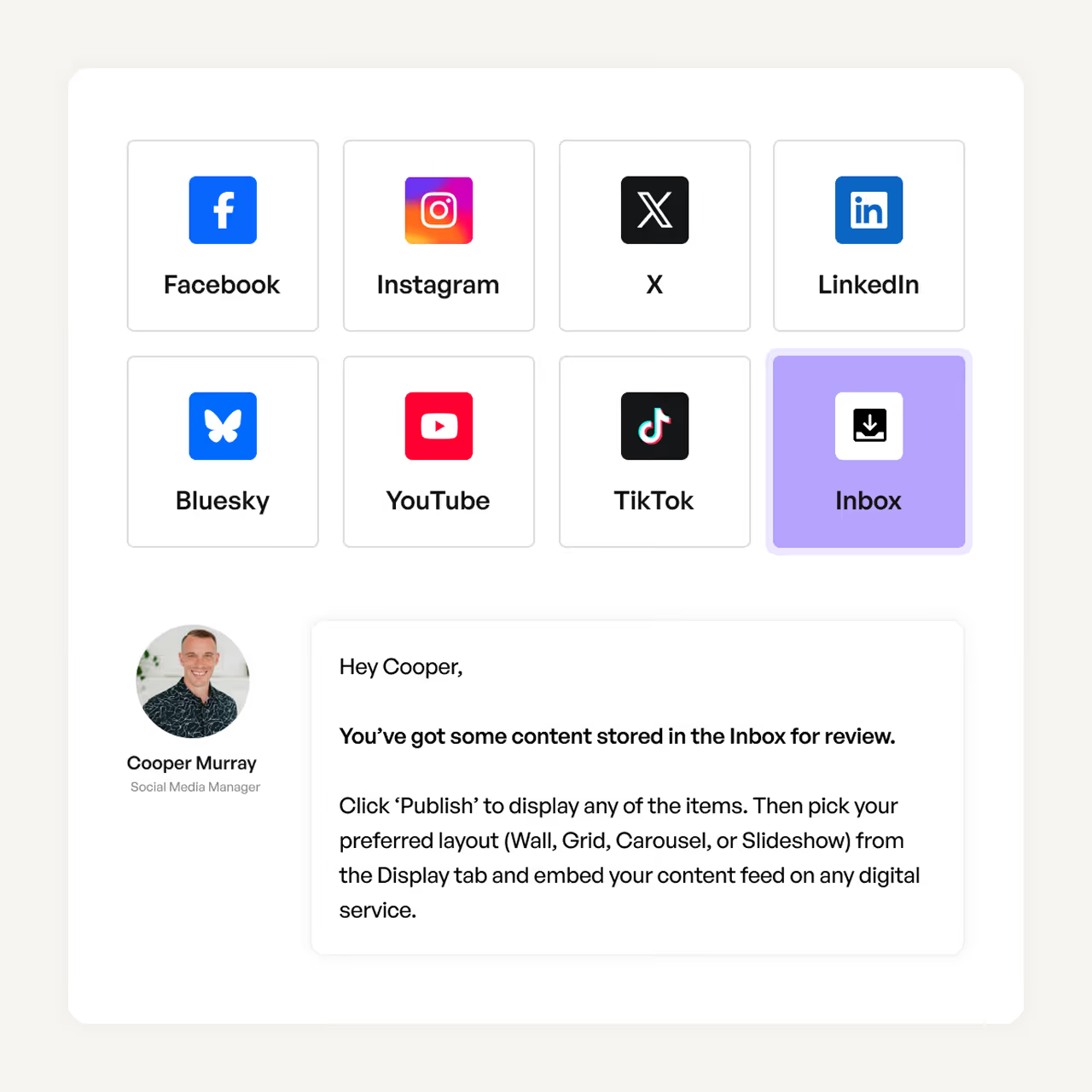
Total control, zero surprises. Every piece of content lands in your inbox for review before it goes live. You decide what makes the cut. Best suited for highly regulated industries, government agencies, conservative content guidelines, and event displays with strict curation.
- All content from automated feeds goes to your section's inbox
- Preview each post before publishing
- Drag and drop approved content to your live feed
- Hide or delete posts that don't fit
Available on all plans, including Basic.
Auto-publish (bypass moderation)
For organizations who trust their sources and want speed
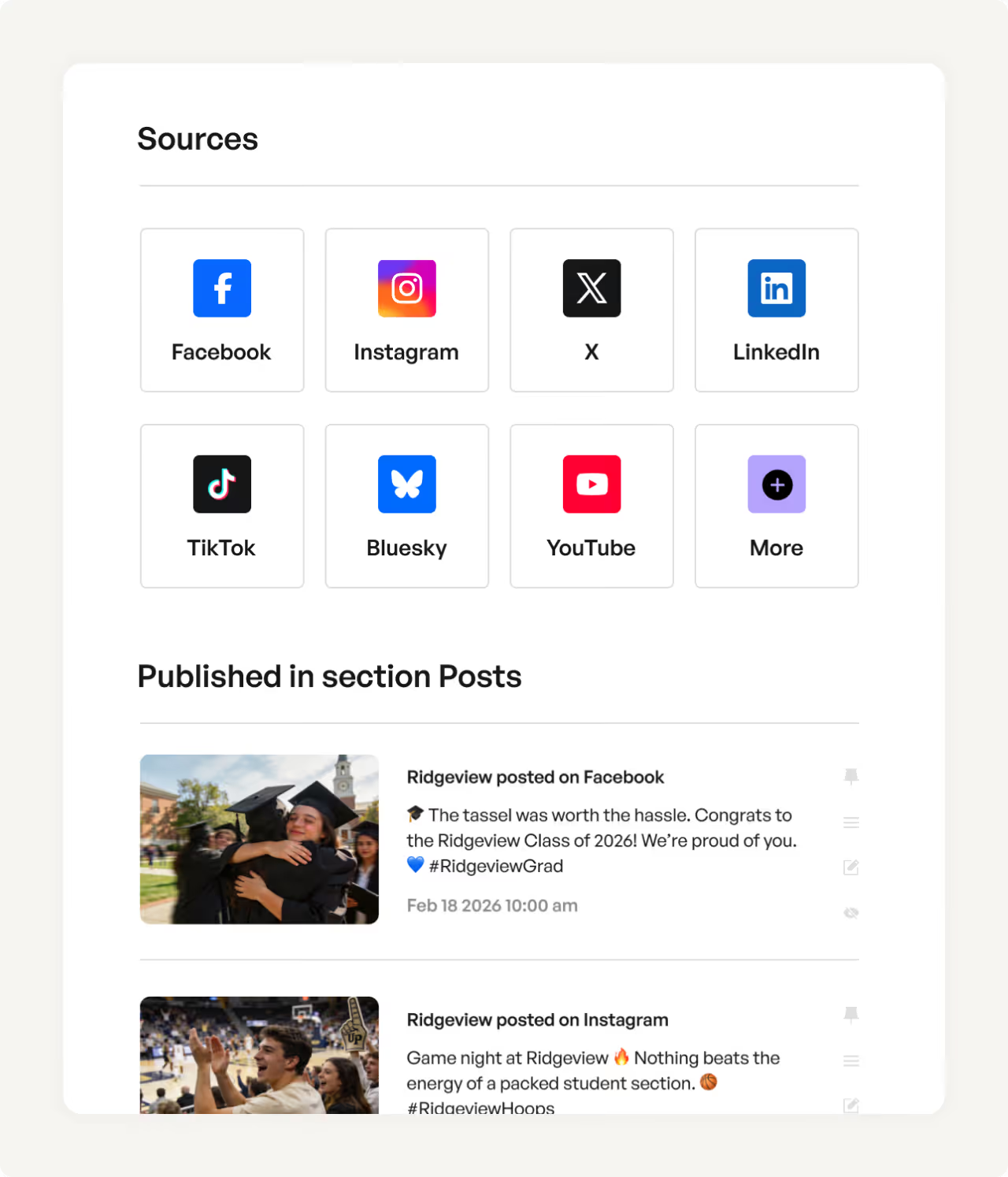
Let content flow freely from your trusted sources directly to your social walls. No delays, no manual steps, no AI review. It's the go-to option for organization-owned accounts, verified ambassadors and partners, internal communication feeds, and real-time event coverage.
- Content publishes instantly as it arrives
- No review queue, no waiting
- Fastest path from source to display
- You can still manually hide posts after they publish
Available on all plans, including Basic.
Block keywords and usernames
Stop unwanted content before it reaches you
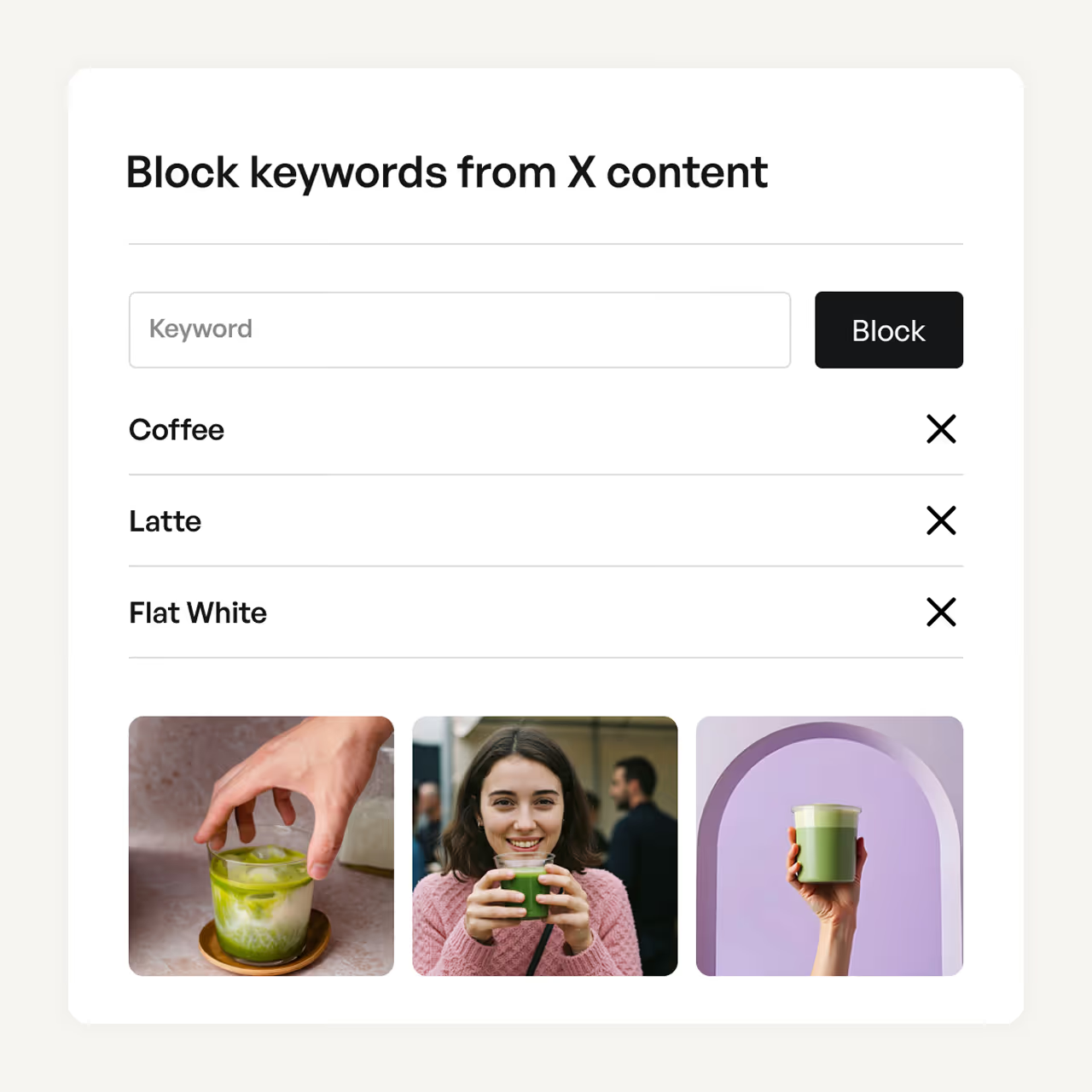
Add another layer of control by blocking specific keywords or usernames from Facebook, Instagram, and X (formerly Twitter). Blocked content never enters your system.
Use cases:
- Block competitor mentions
- Filter spam keywords
- Remove specific users
- Block inappropriate terms
How Garde AI works to protect your organization
Garde AI uses machine learning to automatically review every post from your automated feeds, filtering out inappropriate content before it reaches your social walls. Whether it's a seasonal campaign, hashtag takeover, or product reviews, you only display content that's relevant and safe.
Getting started with Garde AI
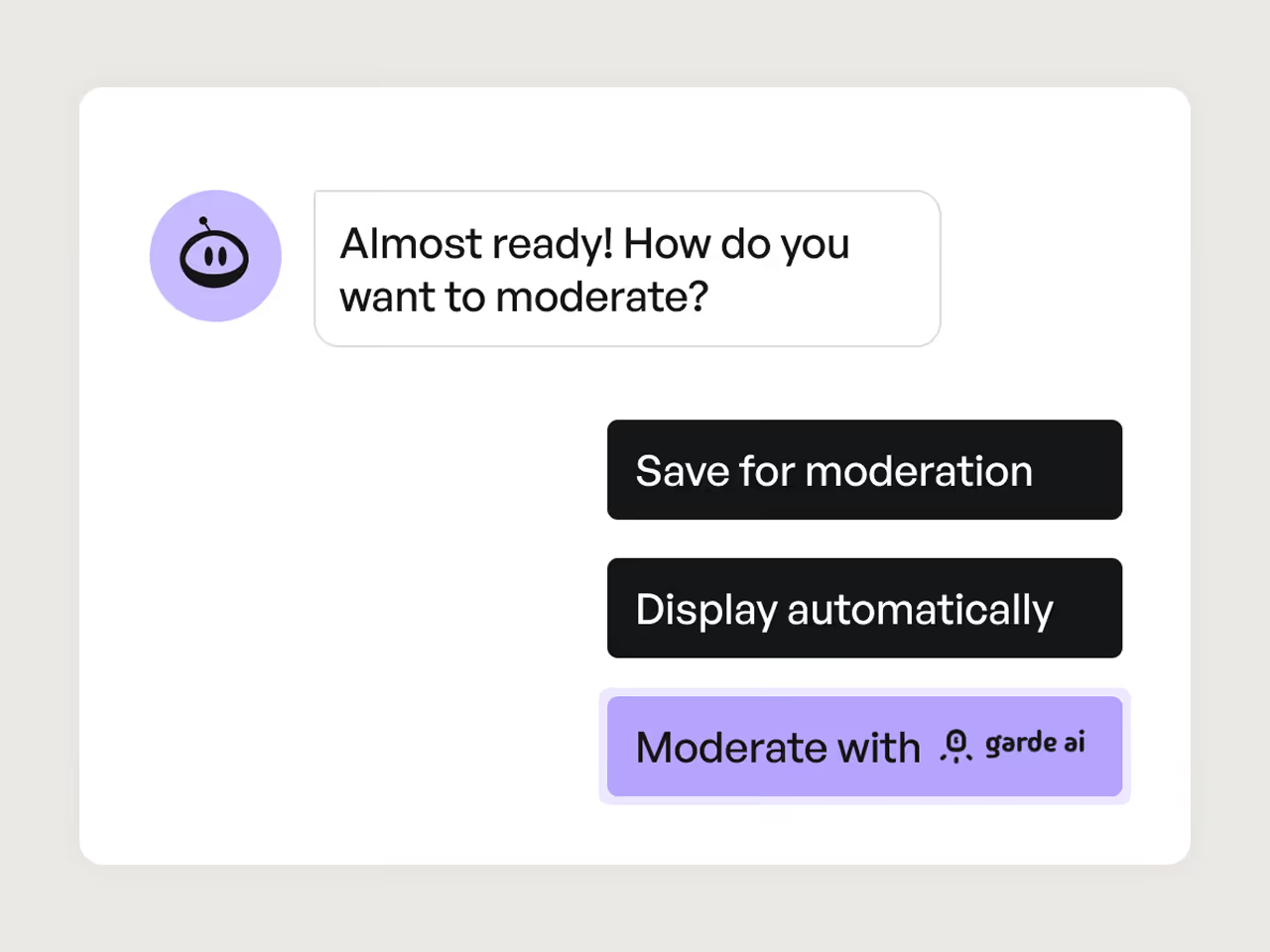
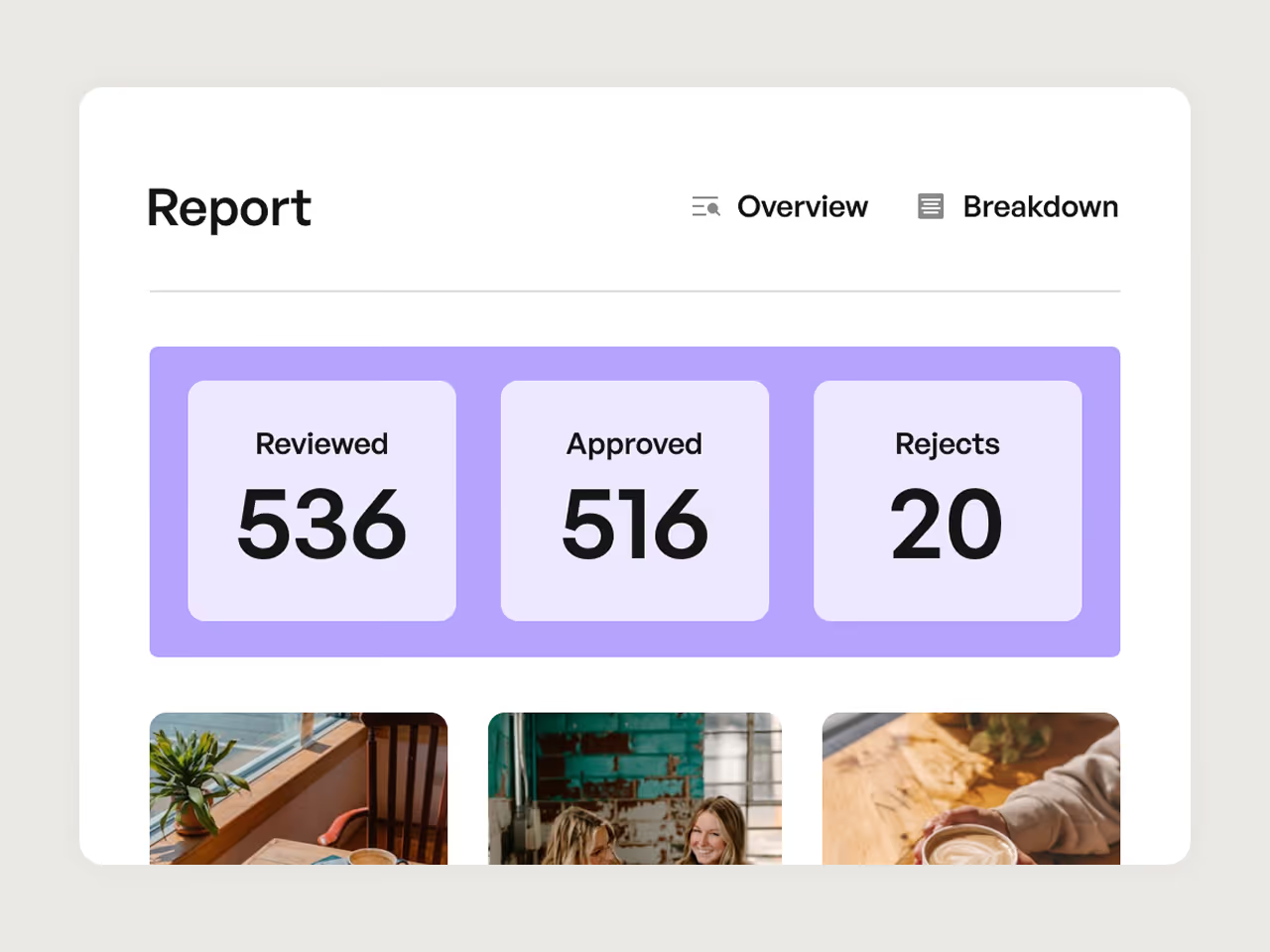
Toggle "Moderate with Garde AI" when setting up your automated feed to turn it on. From there, new posts are automatically scanned for inappropriate content with no manual review required. Approved posts publish automatically, while flagged posts go to your queue in the hidden items for review. At any point you can manually approve or reject any flagged content to stay in control.
How Garde AI helps your workflow
- For marketers: Stop manually reviewing hundreds of posts. Garde AI filters content in real-time so you can focus on campaign performance and engagement strategy instead of content policing.
- For agencies: Protect multiple client accounts simultaneously without adding headcount. One AI moderator handles all your feeds, ensuring consistent brand safety standards across every client.
- For public sector organizations: Meet compliance requirements without slowing down your social presence. Garde AI catches inappropriate content automatically while you maintain final approval control.

Content Garde AI automatically flags
Garde AI scans for 14 categories of inappropriate content including violence, explicit imagery, profanity, hate speech, drugs and alcohol, weapons, self-harm, sensitive data, and more.
Note: AI moderation currently supports images and text.
Getting started with your moderation strategy
Set up your content feed
Choose your sources (Instagram, TikTok, X, Facebook, and more) and configure the hashtag or account feeds you want to display.
Select your moderation approach
You can use Garde AI for automated filtering (Business, Pro, Premium, and Agency plans), manual review to approve posts from your inbox (all plans), or auto-publish to display content without moderation (all plans).
Refine with keyword blocking
Optionally, add blocked keywords and usernames for an extra layer of filtering across all moderation types.
Review and publish
With Garde AI, flagged posts appear under hidden items where you can approve exceptions. With manual review, you approve posts directly from your inbox. With auto-publish, you can hide posts after they go live if needed.
Who benefits from content moderation?
Focus on campaign strategy instead of content cleanup. Garde AI manages real-time content moderation, freeing up time to build better engagement strategies.
Handle multiple accounts and brands with streamlined moderation across clients. Eliminate the chance of human error while scaling your moderation efforts efficiently.
Protect your website from inappropriate content. Garde AI automatically ensures all content aligns with brand best practices before it goes live on your feed.
Keep live event walls clean and professional with automated filtering of inappropriate content from attendee posts and hashtag campaigns.
Display customer reviews and UGC safely on product pages without worrying about offensive or off-brand content appearing on your site.
Maintain appropriate content standards on campus digital displays, student portals, and social walls showcasing student achievements.

Frequently asked questions
AI moderation uses Garde AI to automatically filter content based on safety criteria. Manual moderation sends all content to an inbox where you approve each post individually. You can also bypass moderation entirely with auto-publish.
Yes! You can set different moderation methods for different feeds. For example, use Garde AI for public hashtag campaigns but auto-publish your organization's Instagram feed.
Absolutely. Posts approved by Garde AI are marked with a green verification badge. You can still manually hide any approved post if needed.
Keyword and username blocks work across all moderation types. Blocked content never enters your system. It won't appear in AI moderation, manual inbox, or auto-published feeds.
Yes, you can change your moderation settings for future posts anytime in the feeds section of your dashboard.
You get 300 posts a month with Garde AI’s automated content moderation for your social content. If you find yourself hitting that limit, please reach out to us at team@flockler.com. You can find the limit count on your subscription tab.
Take control of your user generated content
Choose the moderation approach that fits your workflow, whether that's AI automation, hands-on control, or trusted auto-publishing.
